Why Your Design System Isn't Developer-Friendly
Design systems promise seamless collaboration between design and development teams. In reality, many fall short of this promise, creating friction rather than flow. The culprit? Common pitfalls that prioritise visual consistency over implementation reality.
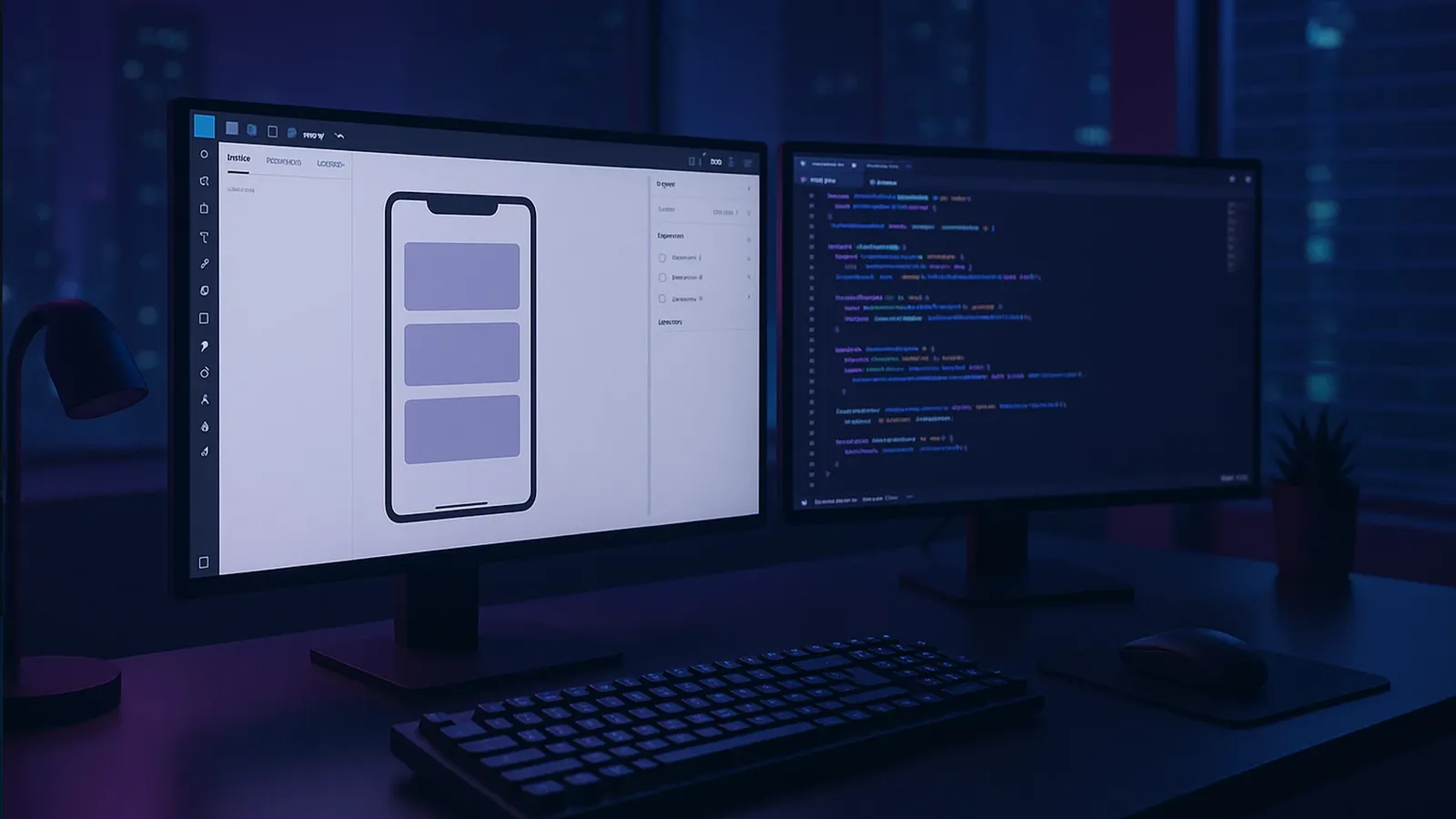
Design systems promise seamless collaboration between design and development teams. In reality, many fall short of this promise, creating friction rather than flow. The culprit? Common pitfalls that prioritise visual consistency over implementation reality.
These gaps don't just slow down development—they undermine the entire purpose of having a design system in the first place. When developers can't easily implement your components, you end up with inconsistent user interfaces, frustrated teams, and longer release cycles.
The good news? These problems are entirely fixable. Here are the five most common developer-hostile design system sins and practical solutions that align design intent with code execution.
Sin 1: Component States That Don't Exist in Code
The Problem
Designers often create component states that look beautiful in Figma but fall apart in implementation. Hover effects that require complex animations, focus states that don't account for keyboard navigation, or loading states that assume perfect network conditions.
The result? Developers either spend excessive time recreating impossible interactions or ship simplified versions that compromise the intended user experience.
The Fix
Define every interactive state in both design files and code repositories. Document default, hover, active, disabled, focus, and loading states using a shared state registry. This ensures design and development teams work from the same source of truth.
Represent state styles as design tokens. Instead of describing hover effects in prose, define them as concrete tokens like state-hover-color: #2563eb or state-active-shadow: 0 0 0 3px rgba(66, 153, 225, 0.5). Expose these through code APIs so developers can import them directly rather than guessing at values.
Provide live code examples. Create Storybook stories or similar interactive documentation that demonstrates each state variant in context. This allows developers to inspect actual behaviour, understand timing and transitions, and verify implementation without reverse-engineering from static mockups.
Sin 2: Spacing Systems That Break Responsive Design
The Problem
Many design systems define spacing in fixed pixel values that work perfectly at one screen size but break responsive layouts. Designers create beautiful desktop compositions using 24px margins that become unusable on mobile devices.
The Fix
Establish a consistent spacing scale based on an 8px grid. Define these values as design tokens in rem units (e.g., spacing-small: 0.5rem, spacing-medium: 1rem, spacing-large: 1.5rem) to support responsive layouts and prevent fixed-pixel breakpoints that don't scale.
Leverage automated tooling to sync spacing values. Use tools like the Figma Tokens plugin to maintain consistency between design files and CSS custom properties. This eliminates manual copy-and-paste errors and ensures designers and developers always work with the same spacing values.
Document spacing token usage with clear guidelines. Specify when to apply each token for margins, padding, and grid gutters across different screen sizes. Provide examples that show how spacing should adapt from mobile to desktop, following established patterns like those in IBM's Carbon Design System.
Sin 3: Typography That Ignores Web-Font Reality
The Problem
Design systems often specify custom fonts without considering web font loading, fallback behaviour, or the inevitable layout shifts that occur when fonts load asynchronously. The result? Text that disappears during loading or layouts that jump around as fonts swap in.
The Fix
Define @font-face fallbacks that match your primary fonts. Use CSS descriptors like ascent-override, descent-override, line-gap-override, and size-adjust to ensure fallback fonts match your web font metrics. This prevents jarring layout shifts when fonts load.
Automate fallback generation. Use framework tools like next/font, nuxt/fontaine, or libraries like Fontaine to automatically generate metric-matched font faces. These tools inject optimised font declarations into your stylesheets without requiring manual CSS overrides.
Configure font-display strategies. Set font-display: swap and specify appropriate font-display strategies in your CSS to ensure text remains legible during web font loading. This mitigates flashes of invisible text (FOIT) while maintaining your intended typography hierarchy.
Sin 4: Colour Systems Without Implementation Context
The Problem
Designers create expansive colour palettes with dozens of shades and variations but provide no guidance on when to use each colour. Developers face an overwhelming array of choices without understanding the hierarchy, semantic meaning, or technical constraints.
The Fix
Create semantic colour tokens that explicitly convey intended usage. Instead of generic names like blue-500, use descriptive tokens like text-default, surface-primary, or accent-success. These names immediately communicate purpose and make it easier for developers to choose appropriate colours for different contexts.
Limit the number of base colour tokens and enforce strict hierarchy. Establish validation rules for adding or removing colour shades to ensure your palette remains scalable and maintainable. Too many options create decision paralysis; too few limit design flexibility.
Publish comprehensive colour usage guidelines. Document do's and don'ts, required contrast ratios for accessibility compliance, and provide code snippets showing correct implementation in both CSS and design tools. Include real examples of when to use each semantic token.
Sin 5: Components Without Technical Specifications
The Problem
Design systems often showcase beautiful component galleries without explaining how components actually work. What props do they accept? How do they handle edge cases? What accessibility considerations are built in? Developers are left to reverse-engineer functionality from visual examples.
The Fix
Supply standardised component documentation templates. Outline component anatomy, props API with types and default values, accessibility considerations, and visual examples. Follow established formats like Atlassian's component guide structure to create consistent, comprehensive documentation.
Embed live code snippets within documentation. Provide interactive examples using tools like Storybook that allow developers to manipulate component props, inspect generated code, and copy usage examples directly into their projects. This bridges the gap between design intent and implementation reality.
Maintain versioned changelogs alongside component updates. Document new props, deprecated features, and breaking changes with each component release. This keeps development teams informed about component evolution and helps them plan updates accordingly.
The Path Forward
Fixing these five sins transforms your design system from a pretty picture gallery into a practical toolkit that developers actually want to use. The benefits extend beyond easier implementation—you'll see fewer bugs, faster feature delivery, and stronger collaboration between design and development teams.
The key is thinking beyond visual consistency to embrace implementation reality. When your design system accounts for technical constraints from the start, everyone wins: designers see their vision implemented faithfully, developers work more efficiently, and end users experience more consistent interfaces.
Start with the sin that causes your team the most friction, then systematically address the others. Your future self—and your development team—will thank you for building a design system that works as beautifully as it looks.

About Hilde Franzsen
Strategy-obsessed. Loves a creative moment. Always up for a shenanigan. Has (arguably) the best cat in the whole entire world.